Refusing as easy as accepting
Since its 2020 guidelines, the CNIL has required refusing to be as easy as accepting: a “Reject all” button next to “Accept all”, with no extra click.
CNIL-compliant cookie banner
A clear, polished banner, choices that are genuinely respected and the records to prove it if you are ever inspected. One line of code to add, data hosted in France.
A live demo of the real banner. Nothing is saved: no cookies are set.
Why it matters
The CNIL, France’s data protection authority, inspects websites and regularly imposes fines. And without properly collected consent, your Google campaigns lose part of their data.
Since its 2020 guidelines, the CNIL has required refusing to be as easy as accepting: a “Reject all” button next to “Accept all”, with no extra click.
In October 2026, the CNIL imposed yet another fine of €7 million for trackers set without consent. Cookies are among its priorities every year. Read the decision (in French)
To measure and target European visitors, Google Ads and Google Analytics rely on Consent Mode v2. Without it, your audiences and conversions shrink. See Google’s help page
Setup
A browser visits your pages like a first-time visitor and lists the cookies and services it finds. One click adds them to the banner.
Layout, colours, texts and languages, with a live preview on desktop, tablet and mobile.
Paste the tag at the top of your <head> or install the WordPress, PrestaShop,
Joomla, Drupal, Shopify or Wix extension. Later changes are published from the dashboard.
Dashboard
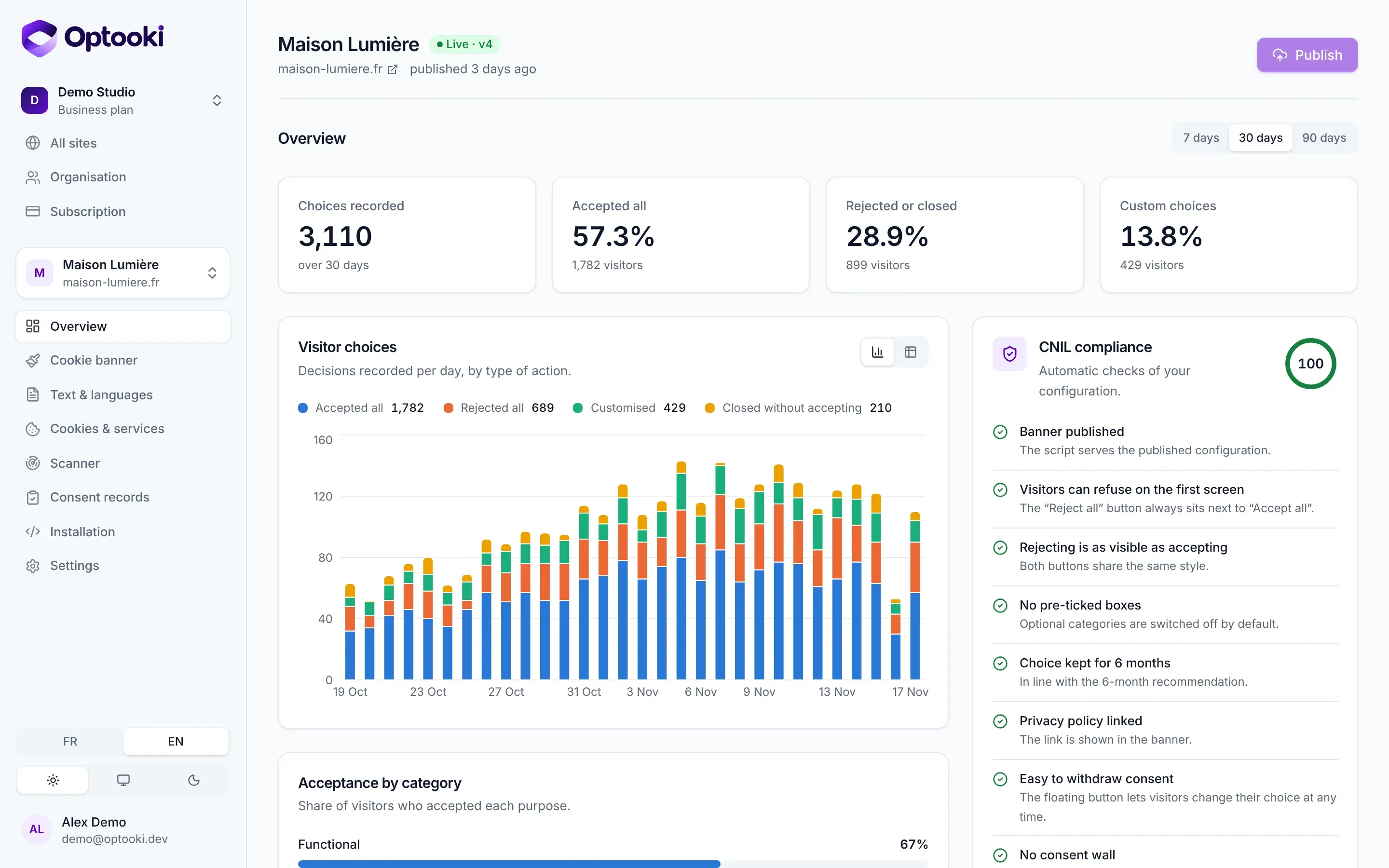
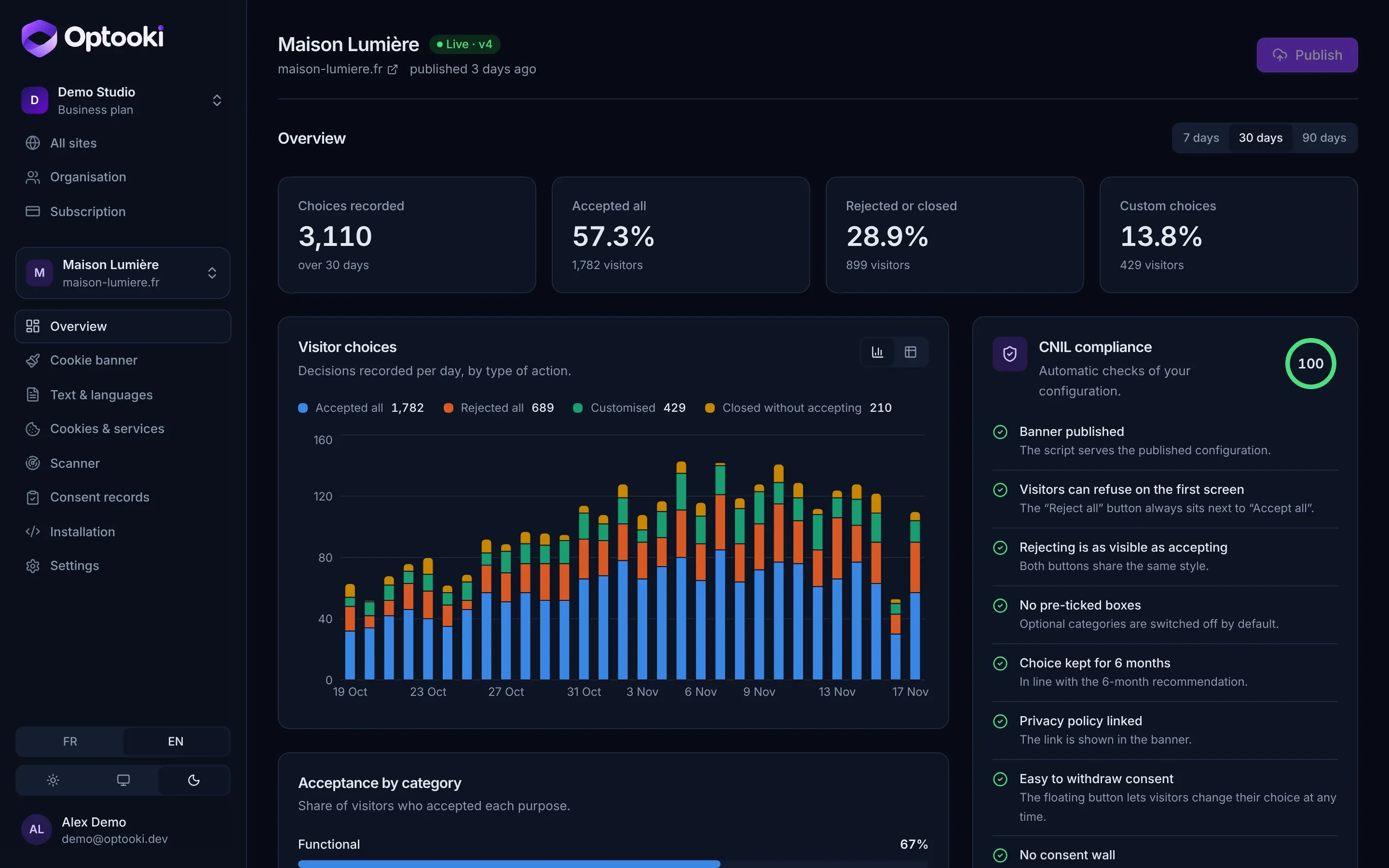
Follow your visitors’ choices, check your compliance at a glance and manage all your sites from a single account.
Scanner
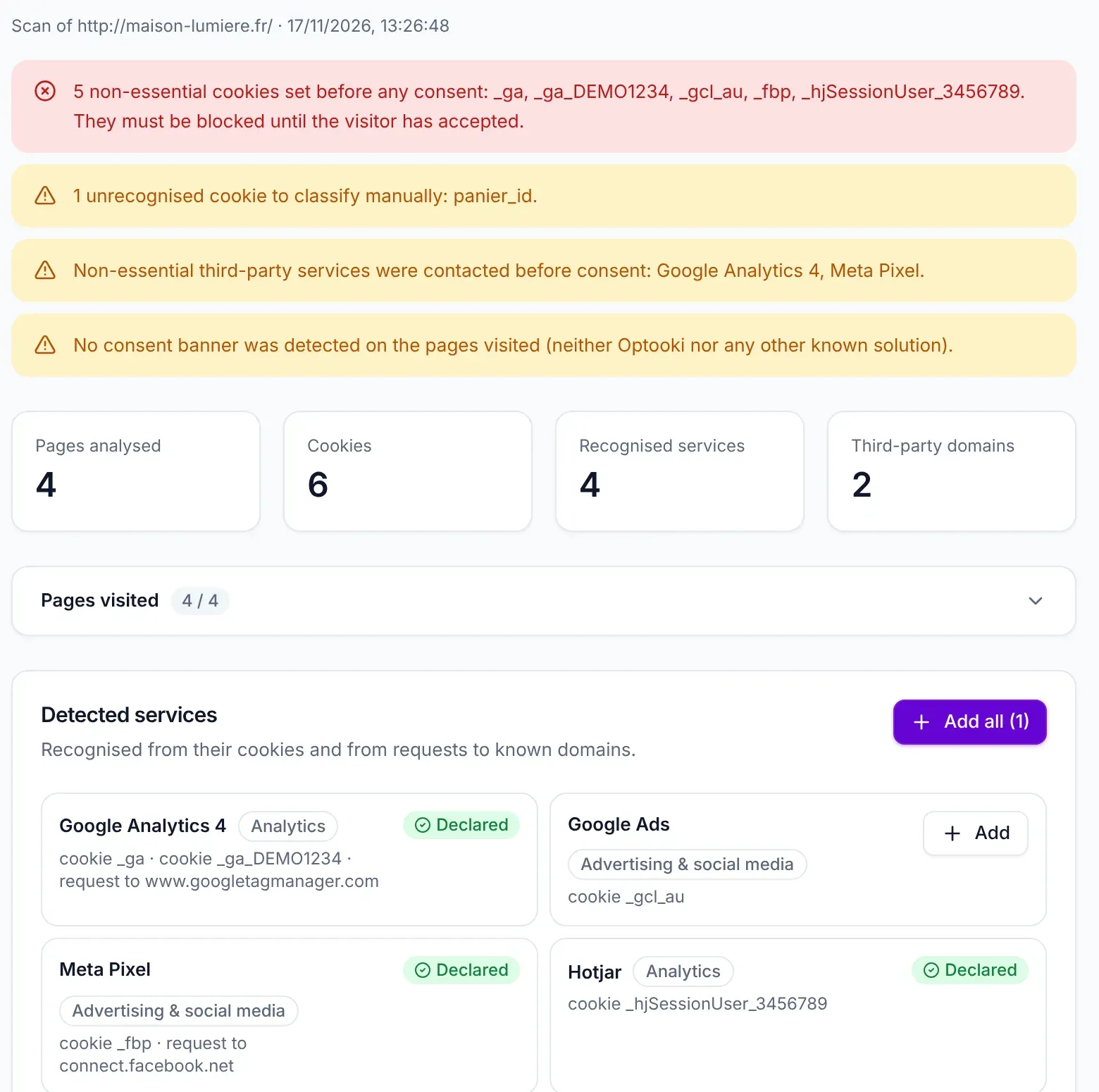
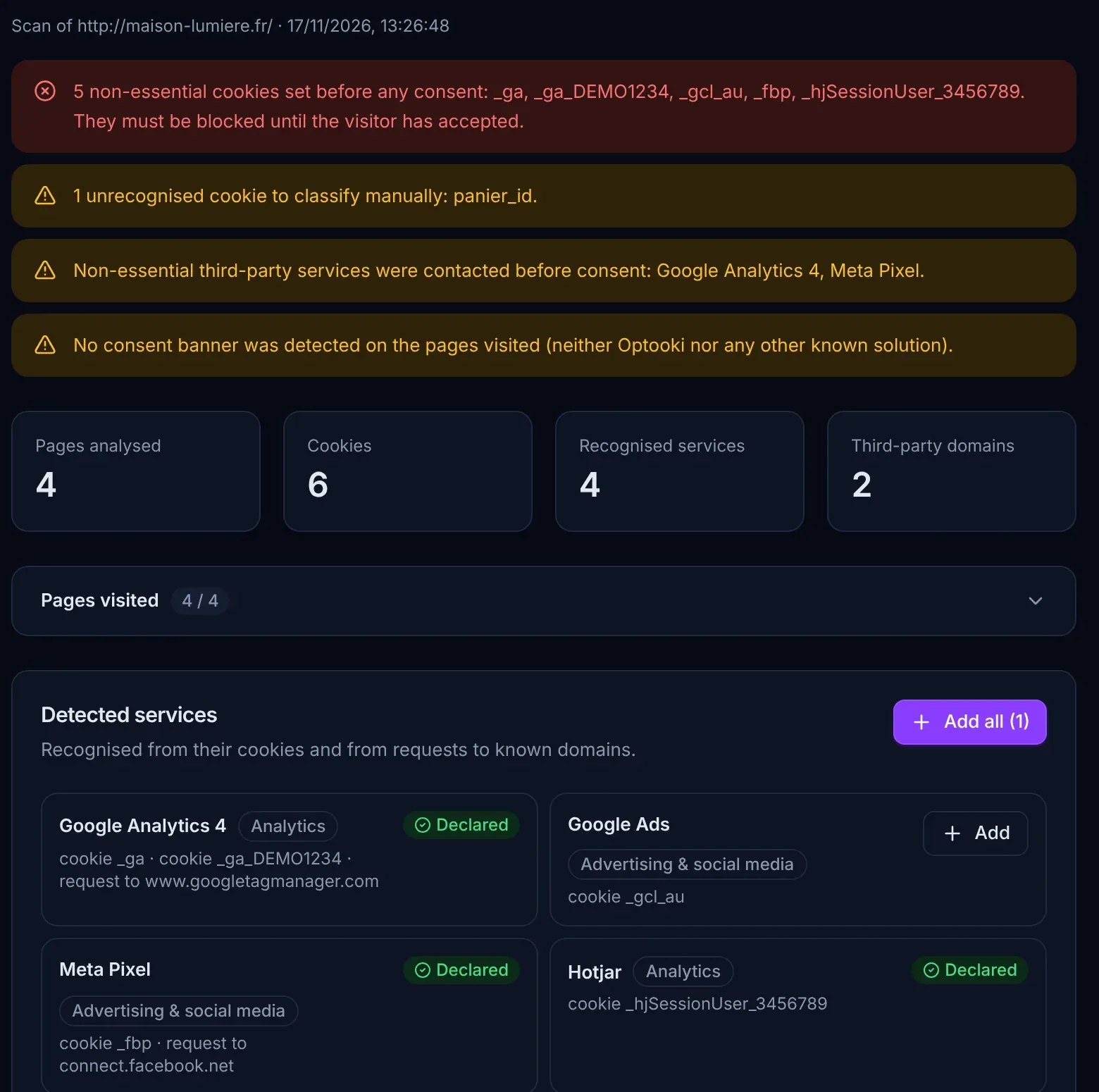
The scanner visits up to 50 pages without consenting and spots cookies set too early, third-party services contacted and any banner that may already be in place.
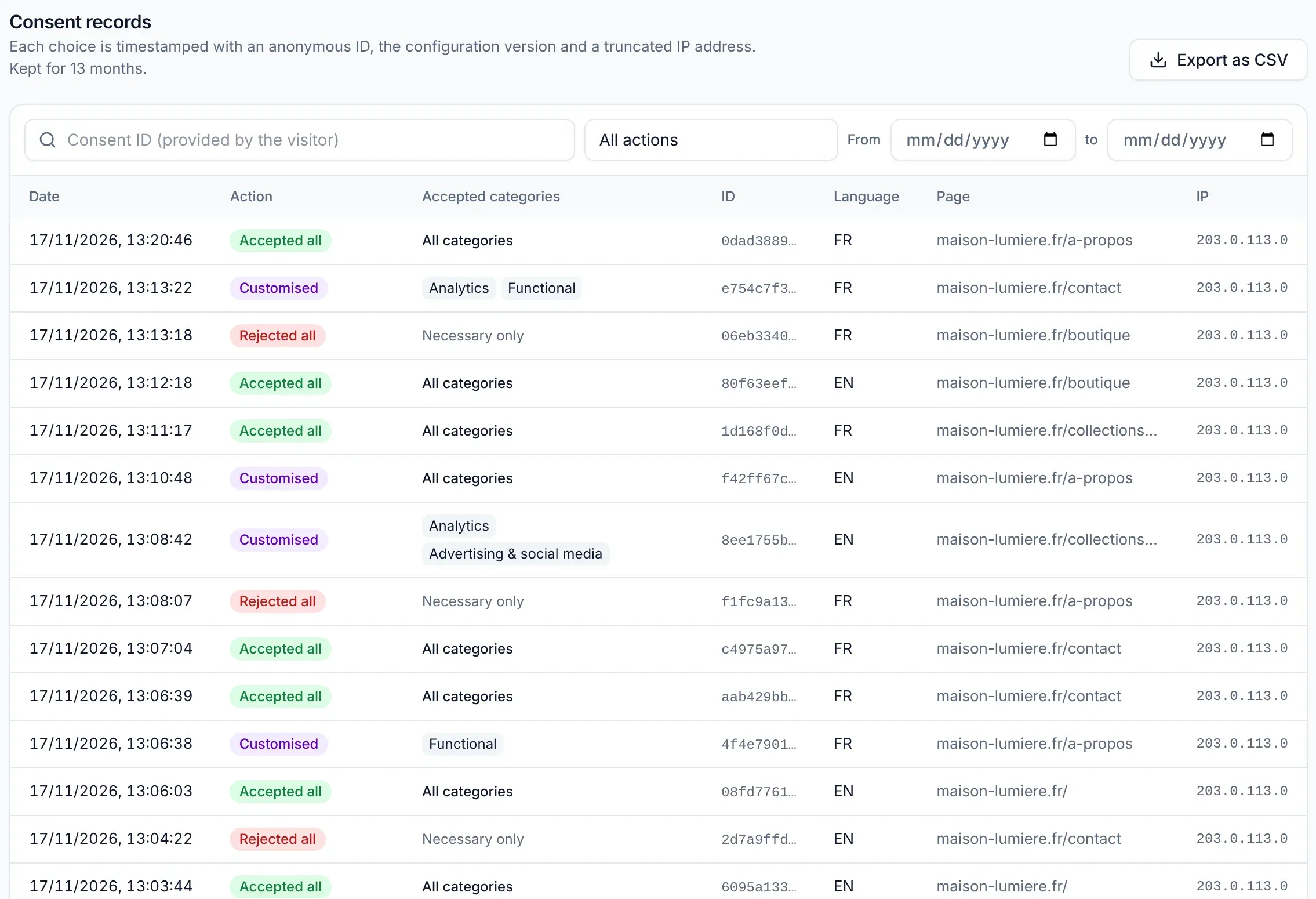
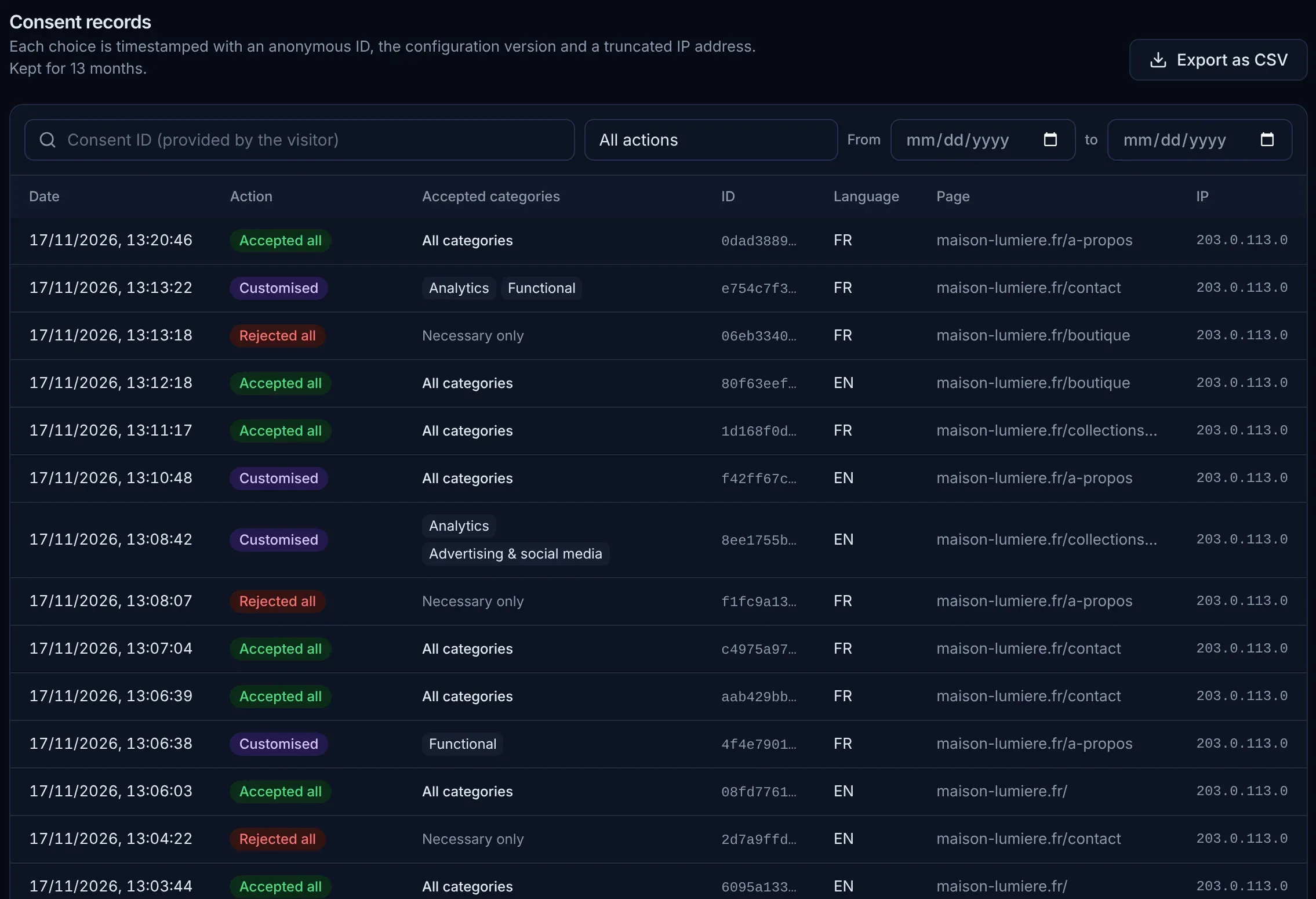
Consent records
Every choice is timestamped with an anonymous ID, the banner version and a truncated IP address. The full register can be exported as CSV for your audits.
Visual editor
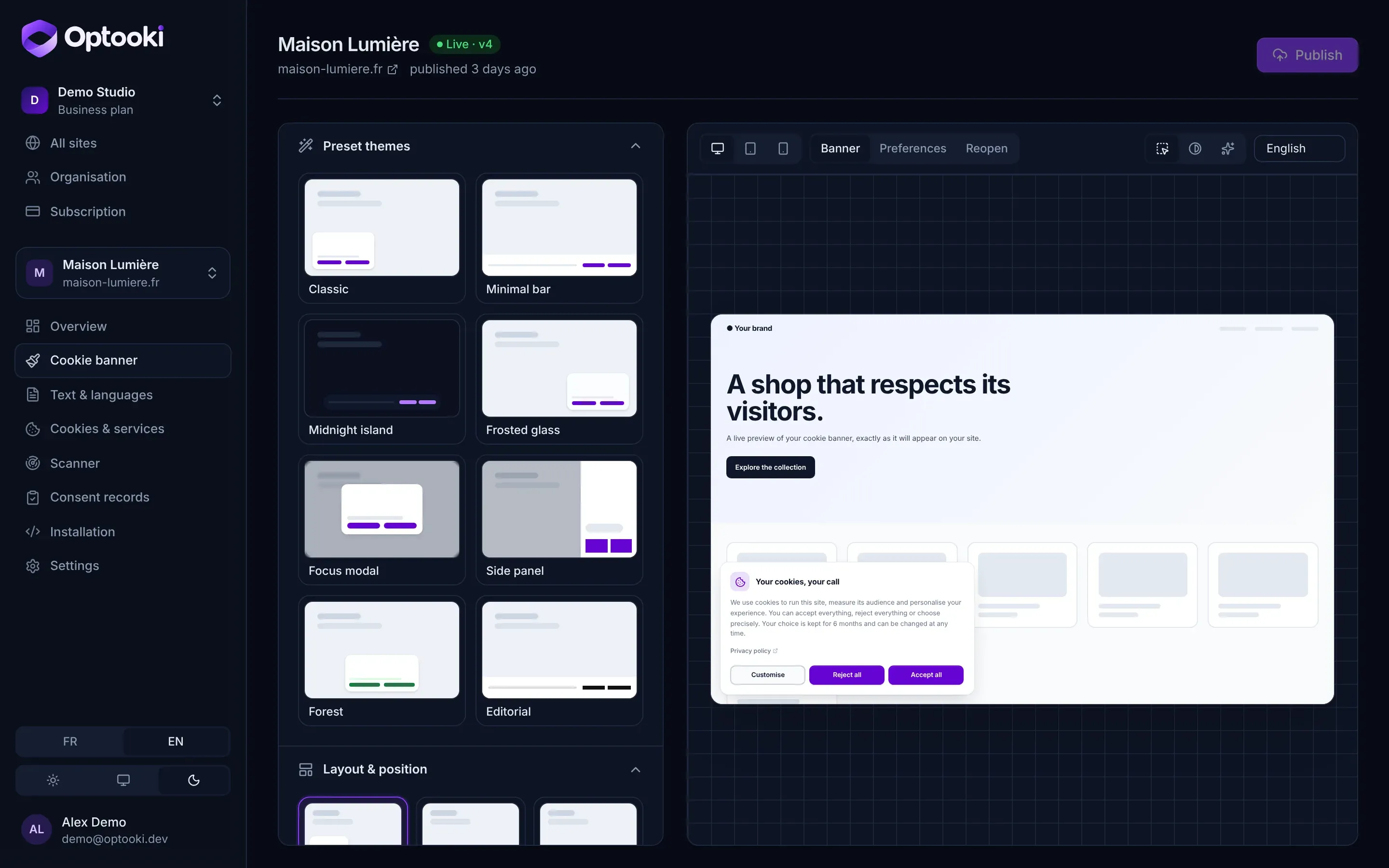
Eight starter themes, then every setting: layout, position, size, light and dark colours, corner radius, glass effect, dimmed backdrop and the texts for each language.
See all the options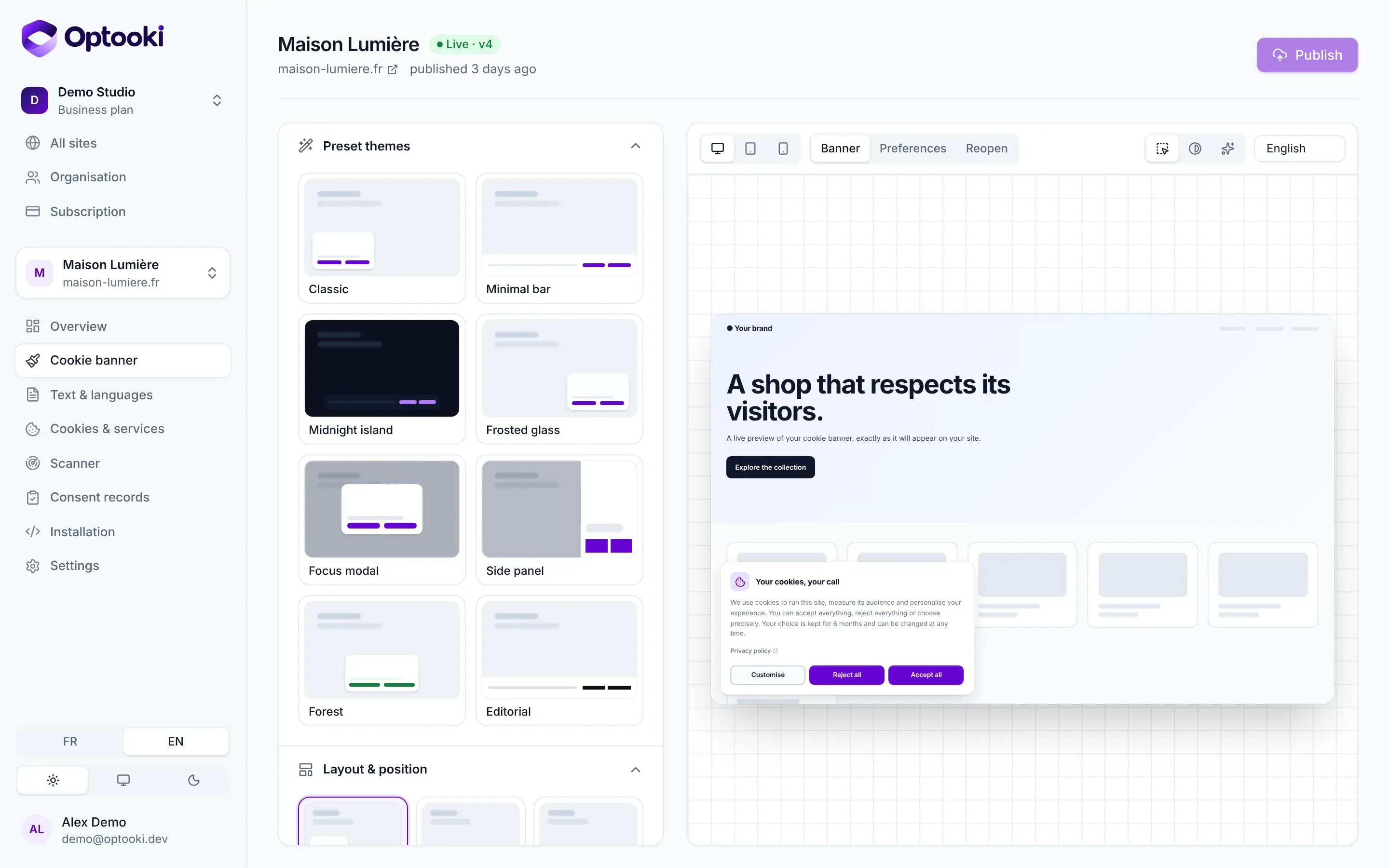
Features
Card, bar, floating island, centred dialog or side panel, each in three sizes and in the position of your choice.
The 136 services in the catalogue are held back until the visitor accepts. No tag to edit for common tools.
All four consent signals are sent to your Google tags, before they load and again with every choice.
French, English, Spanish, German and Italian, with automatic detection of the visitor’s language. Every text can be edited.
Keyboard navigation, focus management, screen reader labels and 44 px touch targets on mobile.
A single compressed script, with no dependencies and no fonts to download. Isolated in a Shadow DOM, so your styles stay untouched.
Acceptance, refusal and custom choice rates, day by day and category by category.
All your clients in one organisation, each limited to their own site, read-only if need be.
Hosted in France
Optooki is designed and hosted in France. We collect only what is strictly needed to prove consent, nothing more.
Pricing
Start for free and move to a paid plan when you need it. No commitment, cancel at any time.
For a first website or a personal project.
€0 forever
For a small business, an online shop or a company website.
€9 per month
€90 per year that is €7.50 a month
For companies that run several websites.
€29 per month
€290 per year that is €24.17 a month
For web agencies and their clients.
€79 per month
€790 per year that is €65.83 a month
Net prices, no VAT to add: VAT not applicable, Article 293 B of the French General Tax Code (CGI).
Frequently asked questions
It applies the points that the CNIL, France’s data protection authority, checks first: a “Reject all” button at the same level and in the same style as “Accept all”, no pre-ticked boxes, a choice for each purpose, trackers blocked until the visitor has accepted, and a permanent link to change their mind. The dashboard also checks your configuration and flags anything that falls short.
Compliance also depends on your website: you need to declare the services you use and write your privacy policy. Our GDPR guide explains what the CNIL requires.
Add a single <script> tag at the very top of the <head> on every page. On WordPress, PrestaShop, Joomla, Drupal, Shopify and Wix, the Optooki extension does it for you. Everything else is set from the dashboard, without touching your website again. See the documentation.
The complete script (banner, preference centre, blocking and configuration) weighs about 16 KB compressed, with no dependencies or fonts to download. It is served with caching and renders in a Shadow DOM: it does not inherit your styles and changes none of them.
In France. Consent records contain a random identifier, the chosen categories, the date, the banner version and a truncated IP address (never the full address). They are kept for 13 months and then deleted automatically.
Create your account, customise the banner and add one line of code. Free for one site, no credit card required.