Domains
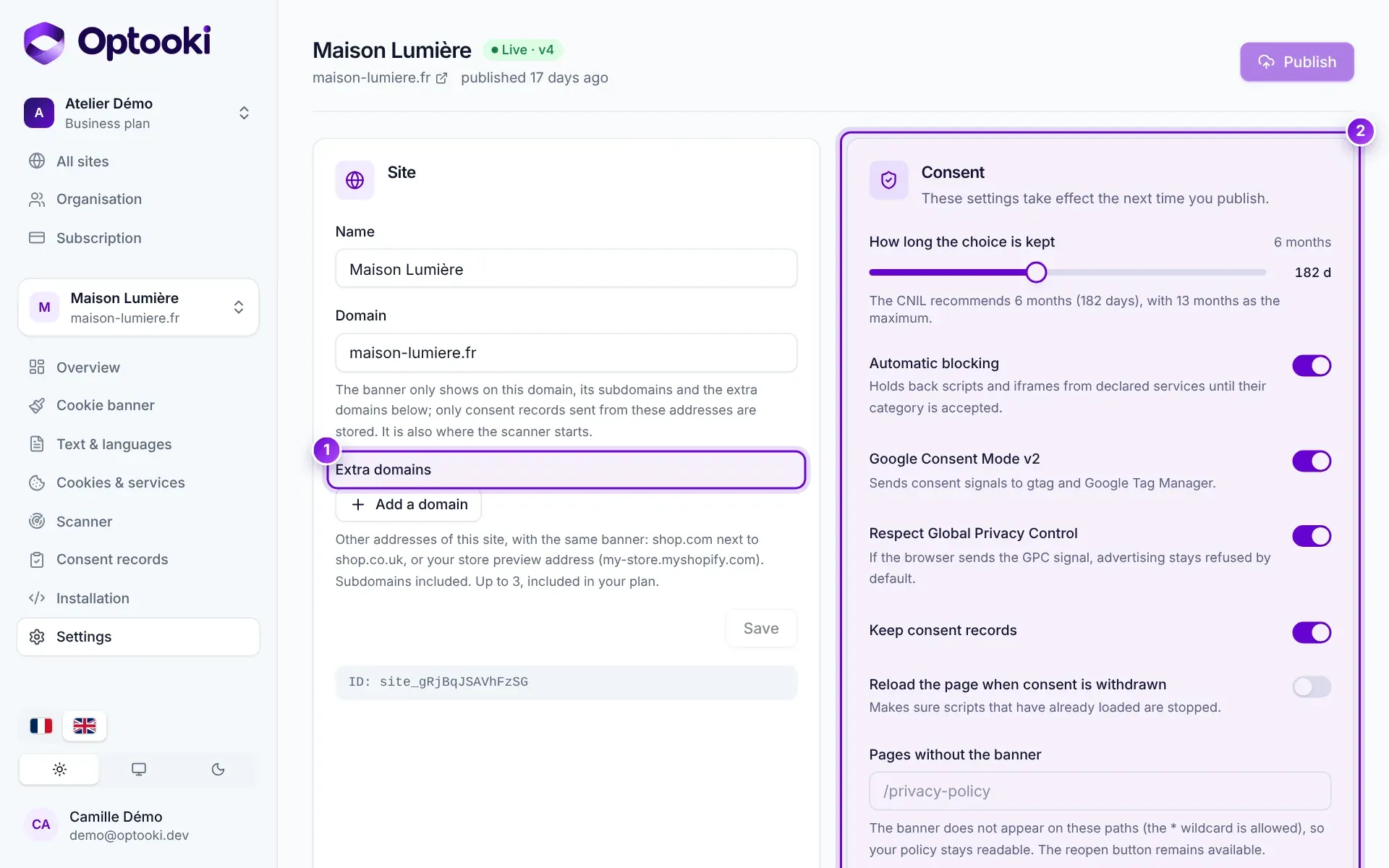
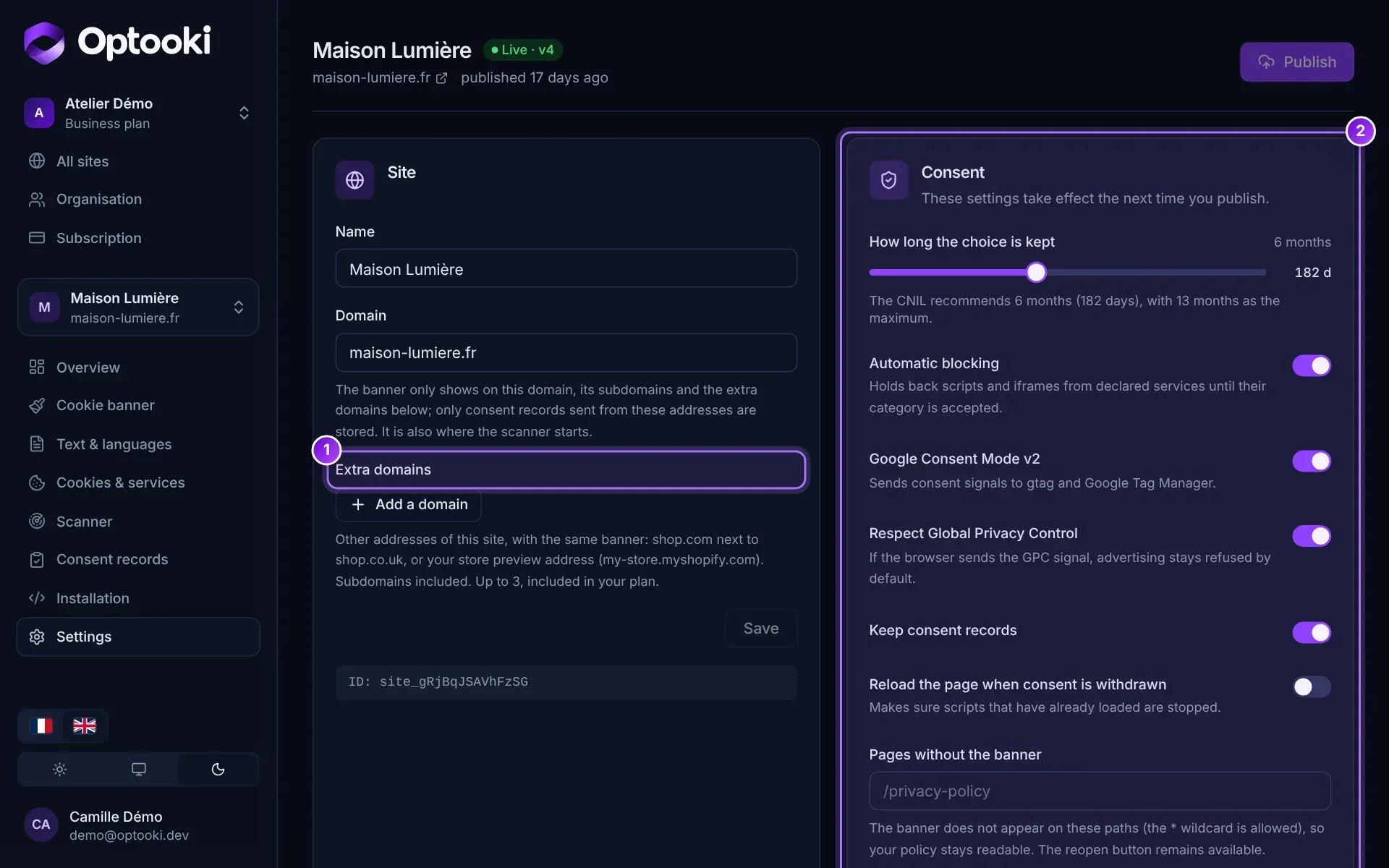
The banner only shows on the site’s domain, its subdomains and its extra domains (marker 1): another extension (shop.com next to shop.fr), a staging site. Extra domains are included from the Pro plan; a Shopify shop’s preview address (my-shop.myshopify.com) is accepted on every plan. The domain is also the scanner’s starting address.
Consent
The settings of the Consent card (marker 2):
- How long the choice is kept: 6 months recommended by the CNIL, 13 at most. The banner then comes back.
- Automatic blocking: holds the scripts and iframes of declared services.
- Google Consent Mode v2: passes the choice on to gtag and Google Tag Manager.
- Global Privacy Control: if the browser sends this signal, advertising stays refused by default.
- Record consent.
- Reload the page when consent is withdrawn: makes sure scripts already started stop.
- Pages without banner: paths (wildcard
*accepted) where the banner does not open by itself, so the privacy policy stays readable. - Cookie domain: for example
.example.comto share the choice across subdomains.
Asking for consent again, deleting the site
Publish and ask again republishes the configuration and shows the banner again to every visitor, including those who already chose: useful after adding an advertising tool. Delete the site permanently erases its configuration, records and scans; export the records first.
In the same section : Dashboard
- Statistics and compliance Visitor choices, day by day, and the CNIL compliance score.
- Customise the banner Themes, your site’s colours, layout, buttons and live preview.
- Text and languages The languages offered, the banner texts and the legal links.
- Cookies and services Declare the site’s tools, by category, from the catalogue or by hand.
- Scan the site See what the site sets before any consent, and fix it.
- Consent records Find, filter and export the record of every choice.
- Team and organisations Invite members, choose their role, manage several clients.
- Monthly reports A site’s PDF report, in your colours, sent to your client every month.
- Subscription Your plan, your usage, changing plans, what happens beyond the quota.