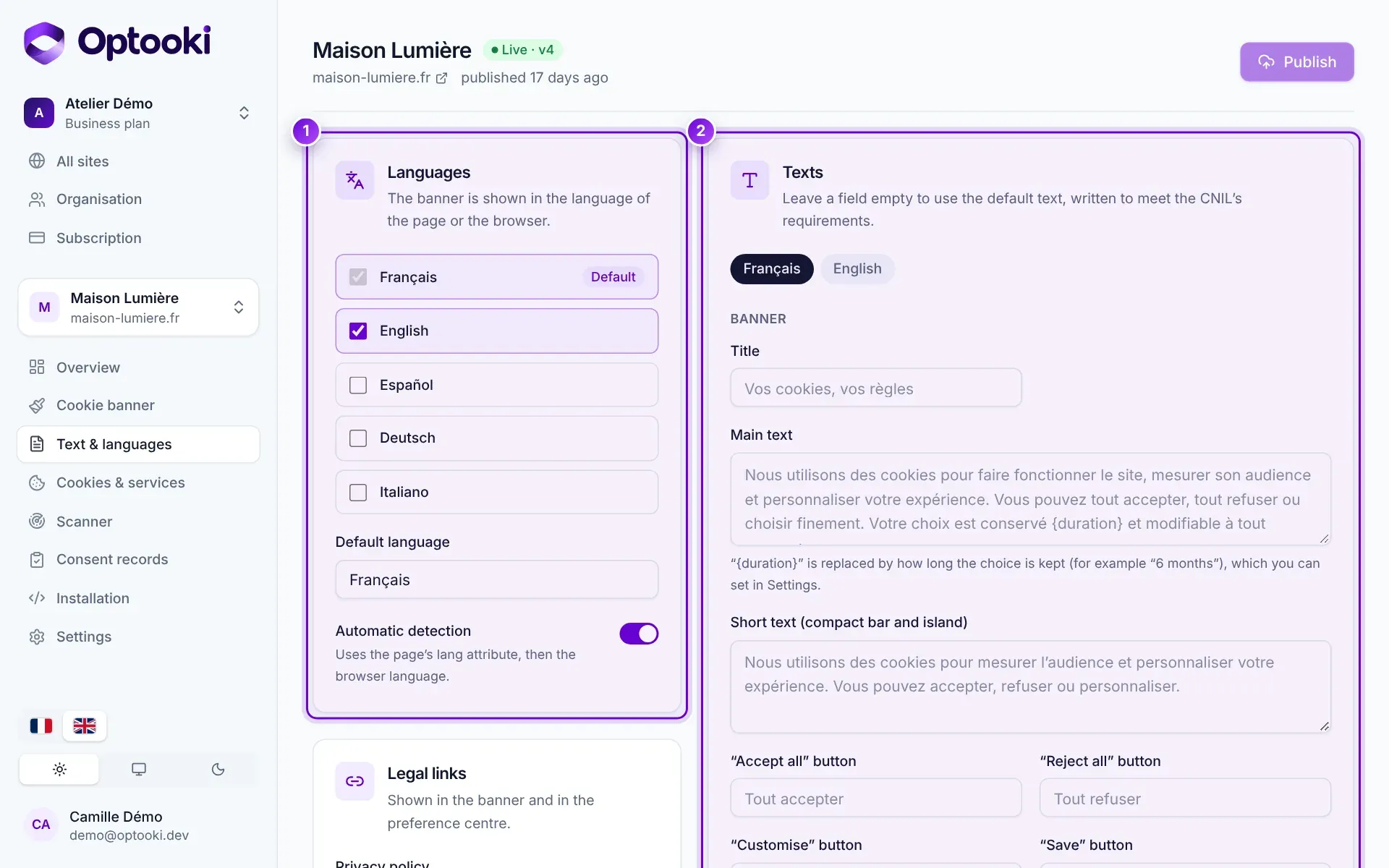
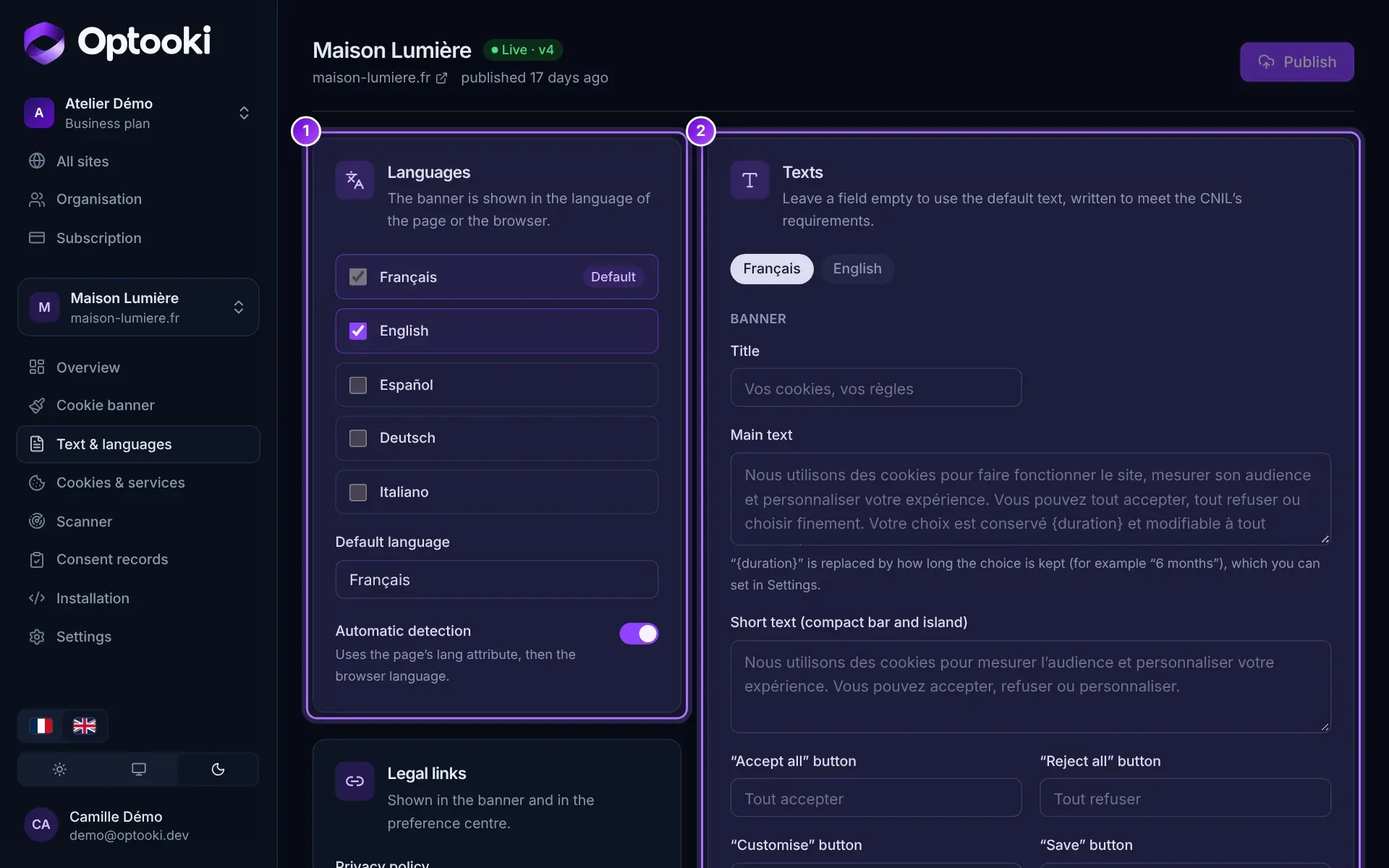
The Text and languages screen
- Marker 1: the languages offered (French, English, German, Spanish, Italian) and the default language. With automatic detection, the banner takes the page’s language (its
langattribute), otherwise the browser’s. - Marker 2: the texts, language by language: title, main text, short text for compact layouts, button labels, preference centre and categories.
Adapting a text
A field left empty keeps the default text; Reset goes back to it. In the main text, {duration} is replaced by how long the choice is kept (for example “6 months”), set in the site settings: the text stays correct if you change it.
Legal links
Fill in the address of your privacy policy, cookie policy and legal notice: the links show in the banner and in the preference centre. The privacy policy counts in the CNIL compliance score.
In the same section : Dashboard
- Statistics and compliance Visitor choices, day by day, and the CNIL compliance score.
- Customise the banner Themes, your site’s colours, layout, buttons and live preview.
- Cookies and services Declare the site’s tools, by category, from the catalogue or by hand.
- Scan the site See what the site sets before any consent, and fix it.
- Consent records Find, filter and export the record of every choice.
- Site settings Domains, how long the choice lasts, blocking, Consent Mode, pages without banner.
- Team and organisations Invite members, choose their role, manage several clients.
- Monthly reports A site’s PDF report, in your colours, sent to your client every month.
- Subscription Your plan, your usage, changing plans, what happens beyond the quota.