Members and roles
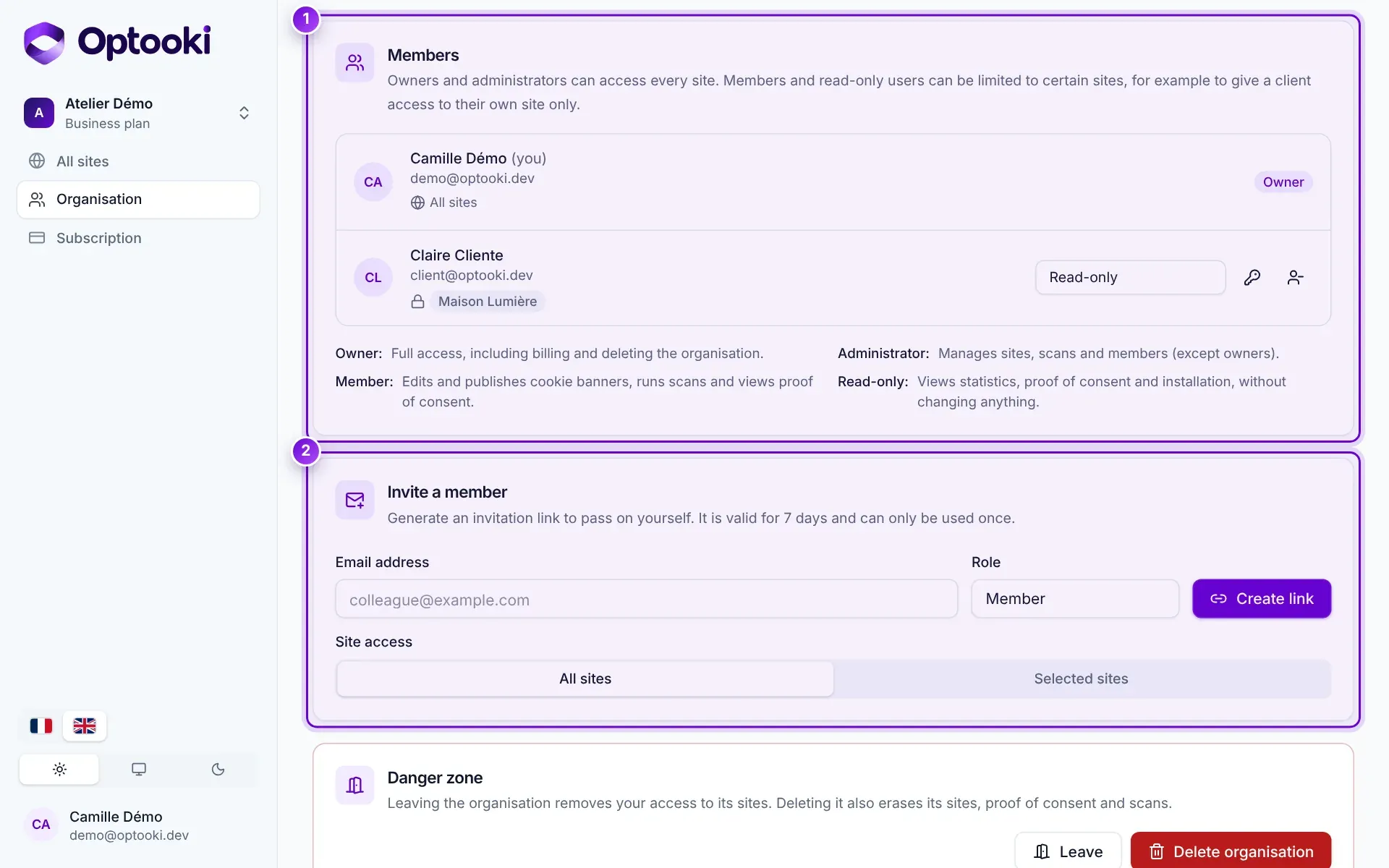
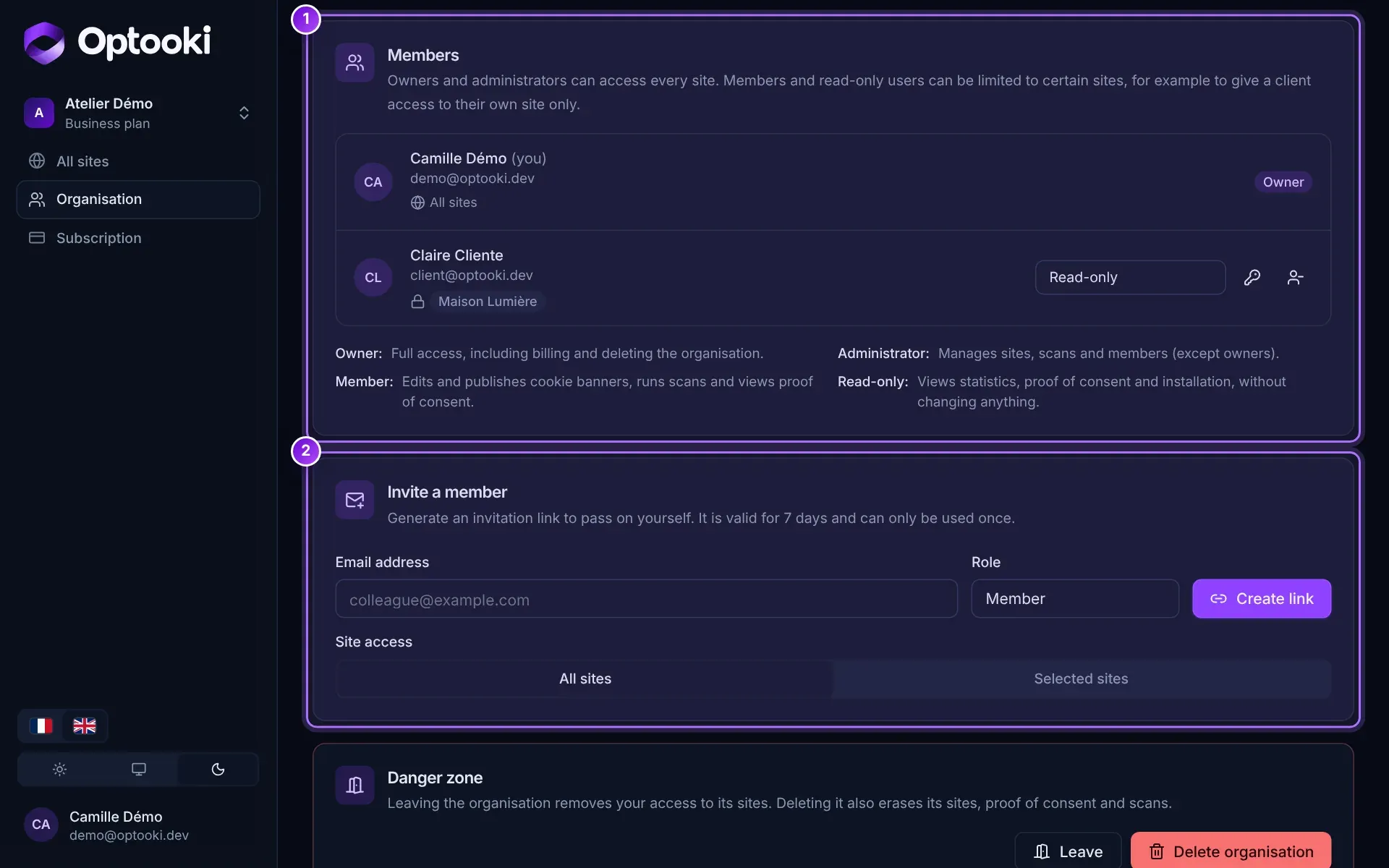
In Organisation, the list of members (marker 1) and their role:
- Owner: every right, including billing and deleting the organisation;
- Administrator: manages sites, scans and members (except owners);
- Member: edits and publishes banners, runs scans, views records;
- Read-only: views statistics, records and installation, without changing anything.
A member’s or reader’s access can be limited to some sites: ideal to give a client access to their own site only.
Inviting someone
In Invite a member (marker 2), enter the email address, the role and the sites they can access, then create the link and send it yourself. It is valid for 7 days and works only once.
Several organisations
The organisation menu, at the top left, switches between them and creates a new one: a separate space, with its own sites, members and subscription. This is how an agency works; see also the agency offer.
In the same section : Dashboard
- Statistics and compliance Visitor choices, day by day, and the CNIL compliance score.
- Customise the banner Themes, your site’s colours, layout, buttons and live preview.
- Text and languages The languages offered, the banner texts and the legal links.
- Cookies and services Declare the site’s tools, by category, from the catalogue or by hand.
- Scan the site See what the site sets before any consent, and fix it.
- Consent records Find, filter and export the record of every choice.
- Site settings Domains, how long the choice lasts, blocking, Consent Mode, pages without banner.
- Monthly reports A site’s PDF report, in your colours, sent to your client every month.
- Subscription Your plan, your usage, changing plans, what happens beyond the quota.