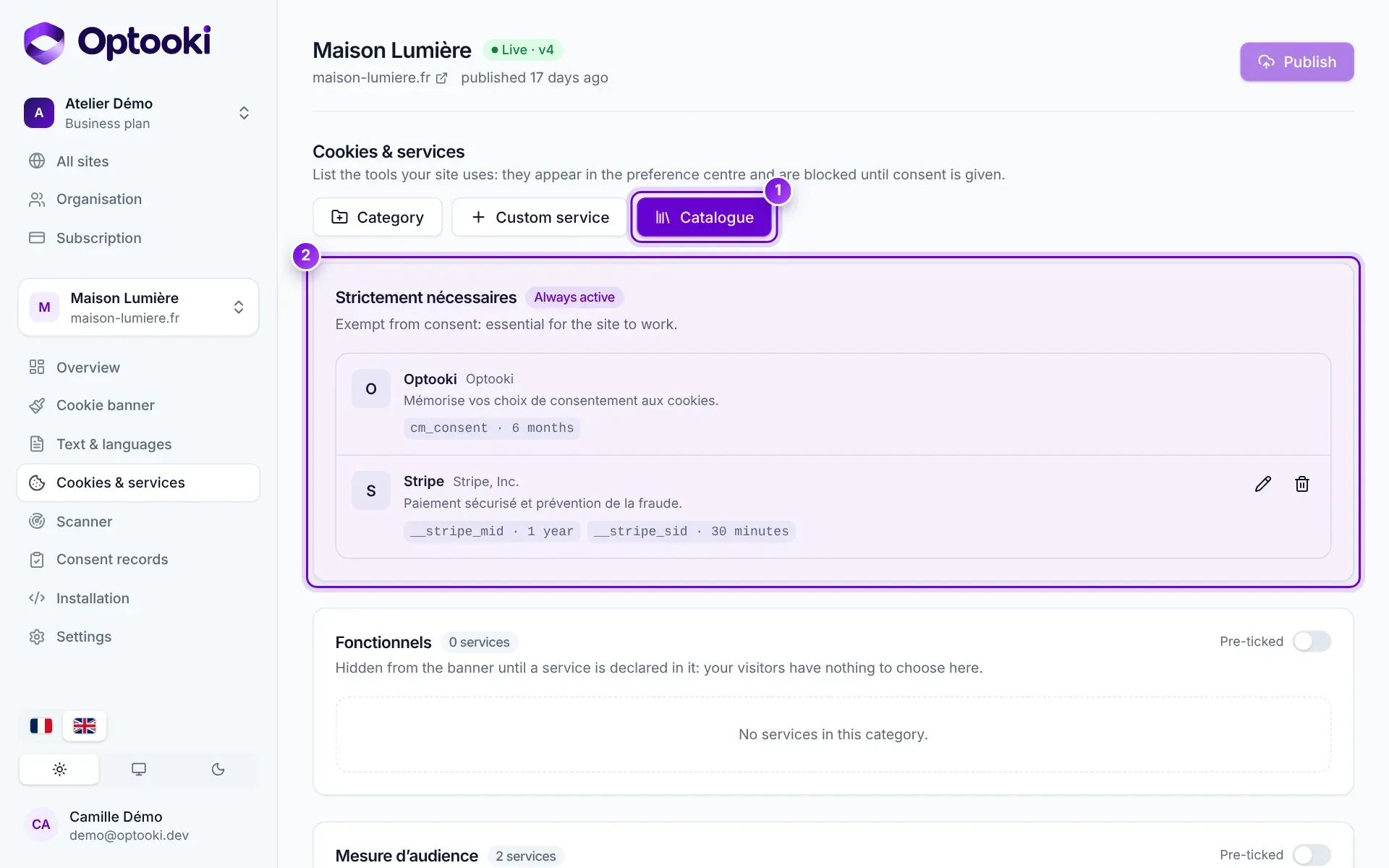
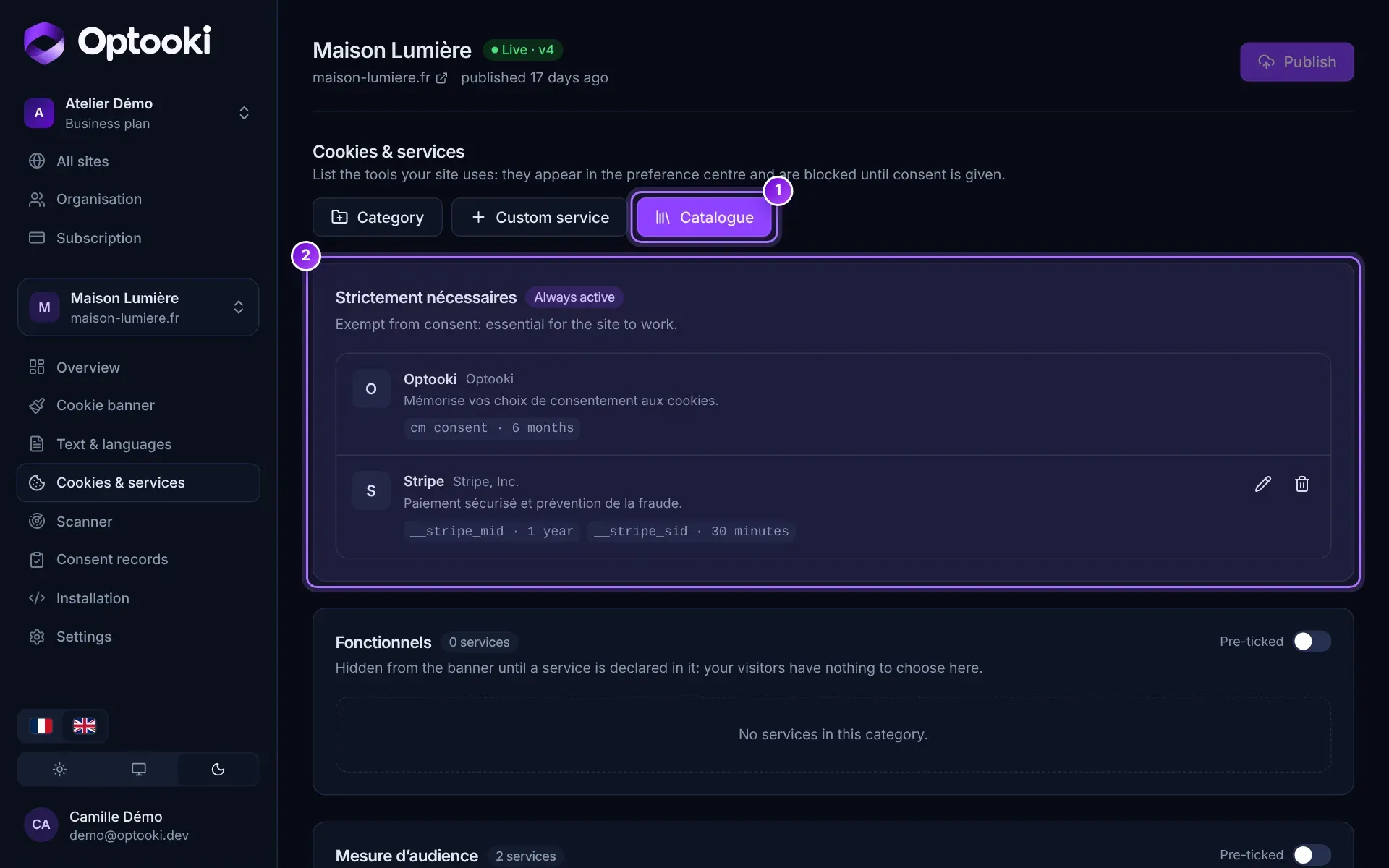
The Cookies and services screen
- Marker 1: the catalogue of common services (Google Analytics, Meta, Hotjar, YouTube…), added in one click, with their cookies, description and blocking rules already written.
- Marker 2: a category and its services. Strictly necessary (always active, exempt from consent), functional, analytics, advertising and social media.
A service the catalogue does not know
Custom service opens a form: name, provider, category, link to its privacy policy, description, and its cookies (name, duration, purpose; * is a wildcard, _hjSession_* covers all Hotjar session cookies).
The Automatic blocking field accepts one address per line, for example cdn.my-tool.com: scripts and iframes coming from there are held until the category is accepted.
Categories
A category without any service is not offered to visitors: there is nothing to choose in it. You can create a category; this asks every visitor for consent again, since the choice offered has changed.
In the same section : Dashboard
- Statistics and compliance Visitor choices, day by day, and the CNIL compliance score.
- Customise the banner Themes, your site’s colours, layout, buttons and live preview.
- Text and languages The languages offered, the banner texts and the legal links.
- Scan the site See what the site sets before any consent, and fix it.
- Consent records Find, filter and export the record of every choice.
- Site settings Domains, how long the choice lasts, blocking, Consent Mode, pages without banner.
- Team and organisations Invite members, choose their role, manage several clients.
- Monthly reports A site’s PDF report, in your colours, sent to your client every month.
- Subscription Your plan, your usage, changing plans, what happens beyond the quota.