The overview
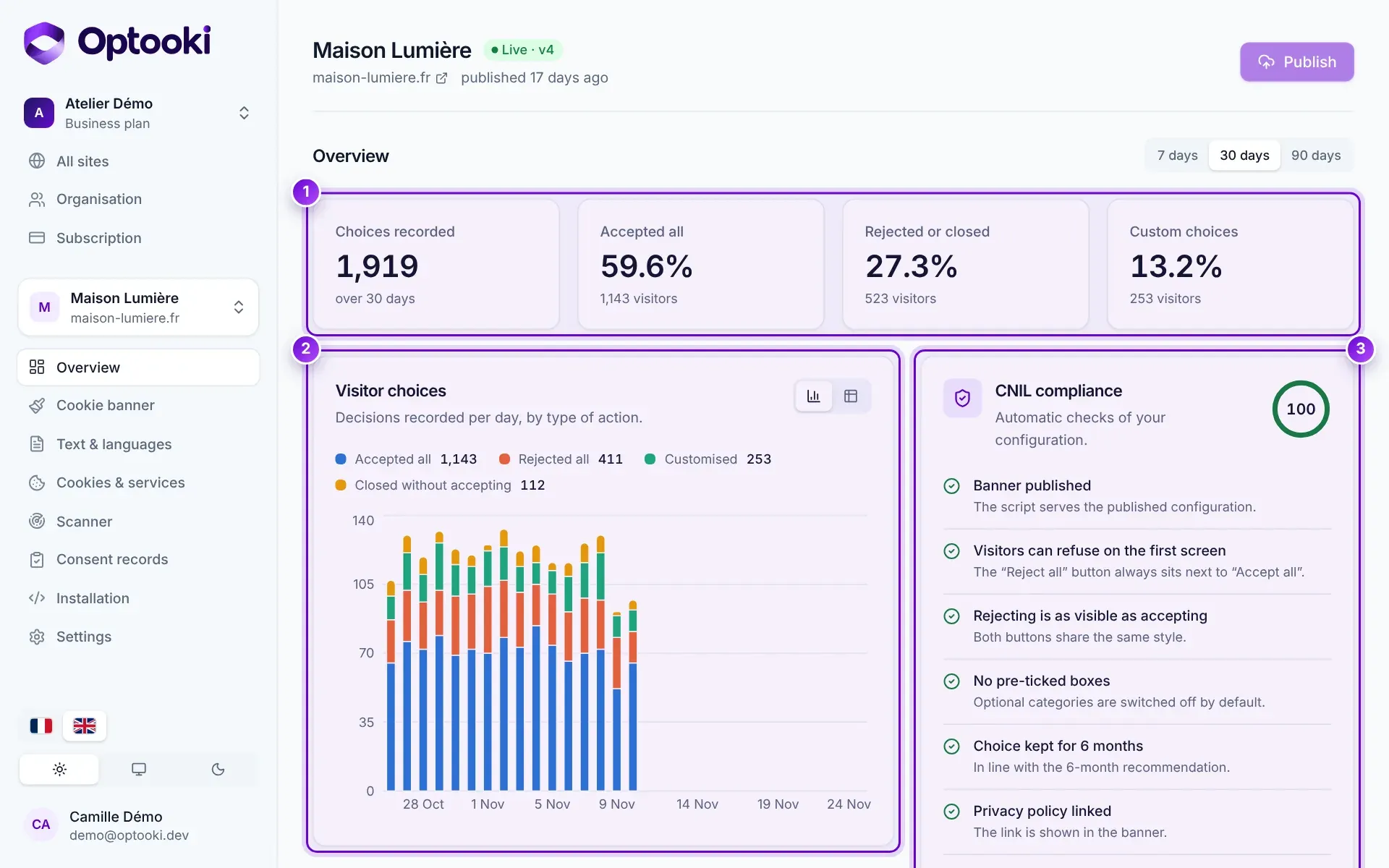
Choose the period at the top right: 7, 30 or 90 days.
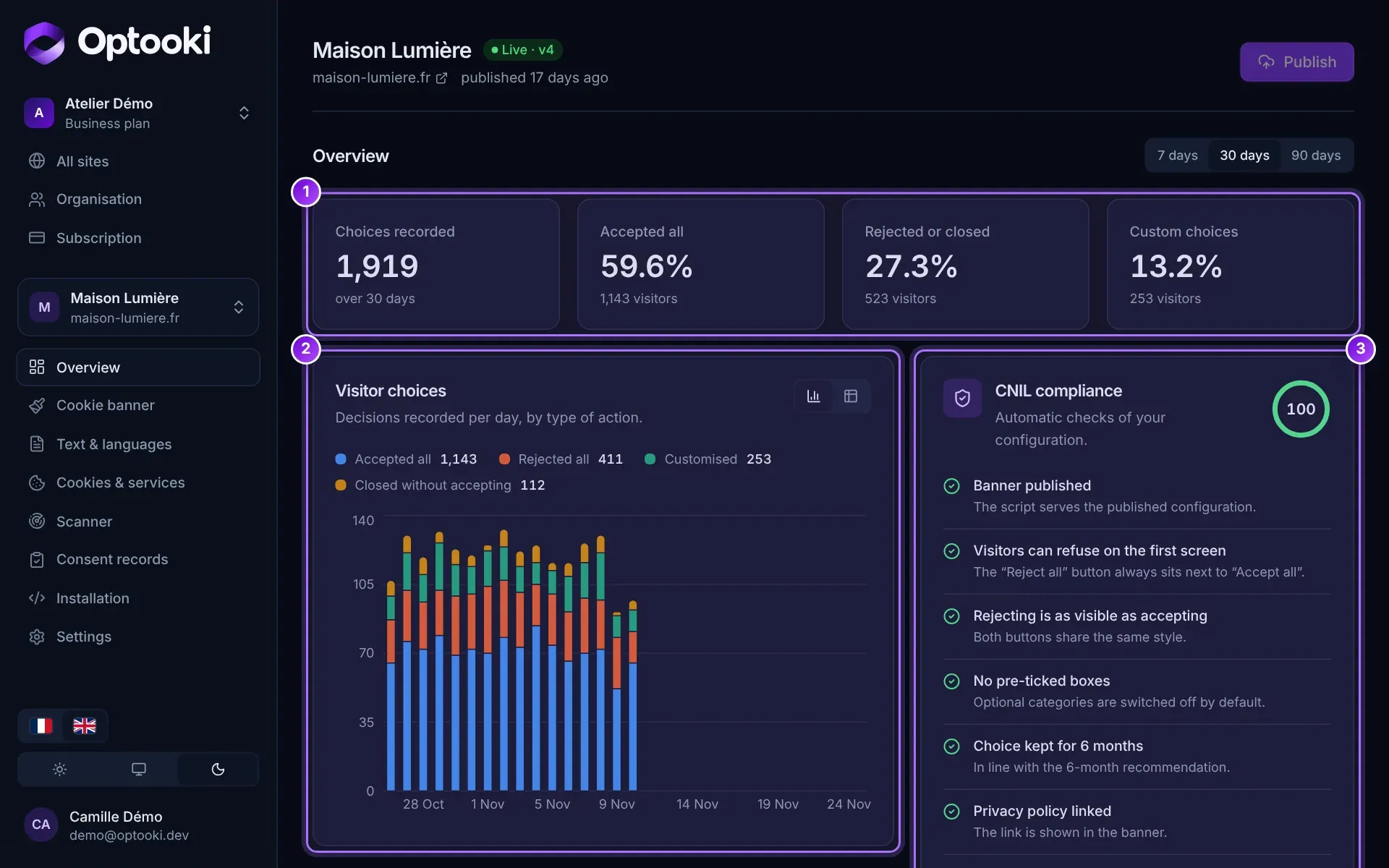
- Marker 1: the number of choices recorded and the share of each answer: accepted all, refused or closed without accepting, custom choices.
- Marker 2: choices day by day, as a chart or a table (button at the top right of the card).
- Marker 3: CNIL compliance, detailed below.
Further down, the share of visitors accepting each category and the languages the banner was shown in.
The CNIL compliance score
Optooki checks your published configuration and gives a score out of 100. Each point not met says how to fix it. The points checked:
- the banner is published;
- refusing is possible on the first screen, and as visible as accepting;
- no category is pre-ticked;
- the choice is kept for six months at most as recommended;
- the privacy policy is linked;
- the visitor can change their mind at any time;
- the site can be browsed without choosing;
- consent is recorded;
- services are declared and automatic blocking is on.
The benchmark of similar sites
Below the key figures, a card compares your acceptance rate with the median of other Optooki sites showing the same banner format (bar, window, box…), over the last 30 days. A sentence tells you whether you are above, in line or below, and what usually helps.
The benchmark only appears once there are at least five other sites with at least 100 choices each: no site can ever be identified. If there are not enough sites with the same format, the comparison covers all sites.
The eco-score
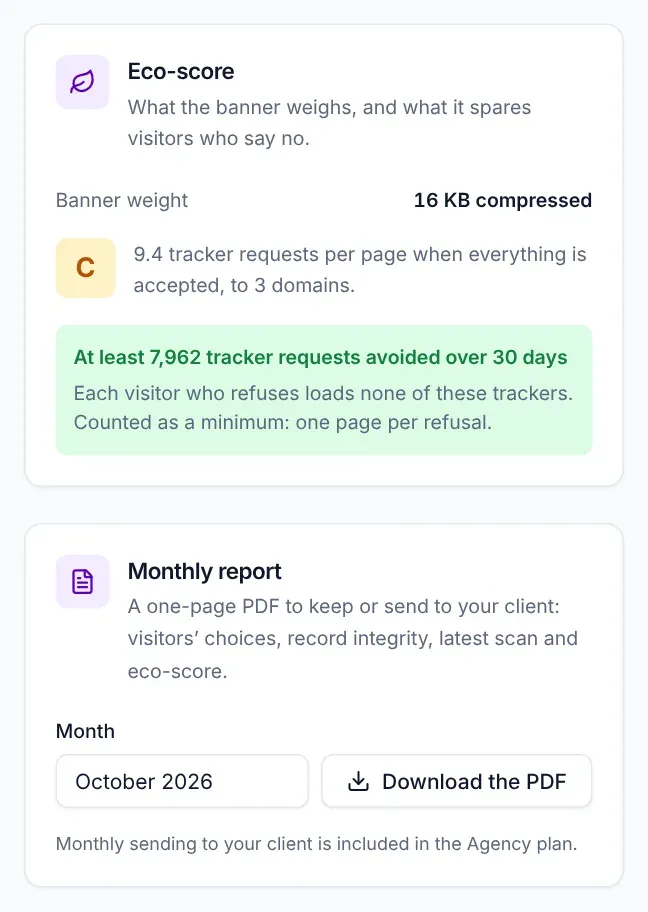
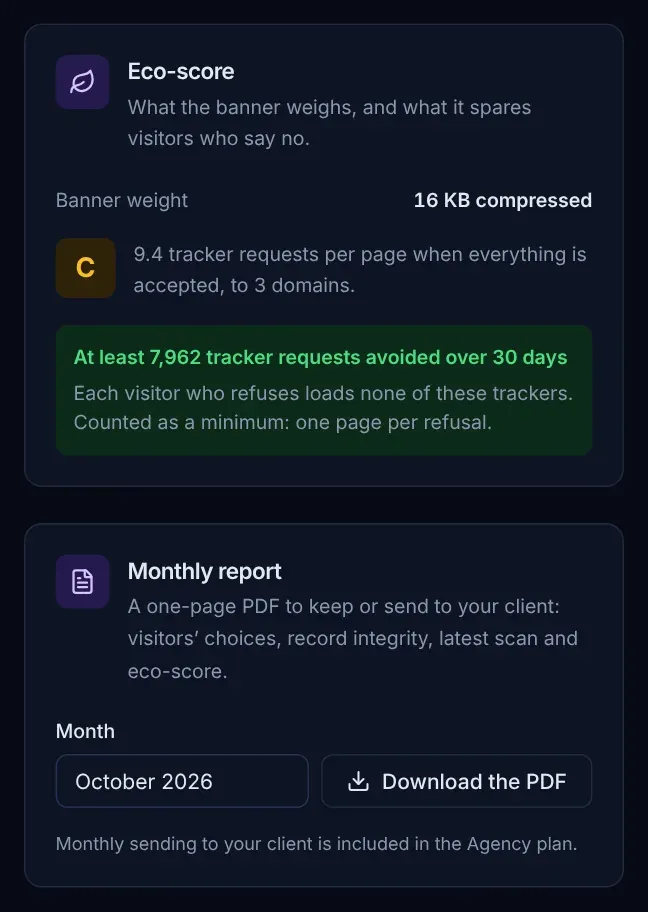
The Eco-score card gives:
- the banner’s compressed weight;
- a site grade from A to E, based on the number of tracker requests per page when everything is accepted, from your latest scan;
- the number of tracker requests avoided over 30 days thanks to visitors who refuse, counted as a minimum (one page per refusal).
Without a scan, the grade is not calculated: run one from the Scanner page.
The monthly report
The Monthly report card downloads a one-page PDF for the chosen month: visitor choices, record integrity, latest scan and eco-score. Details, branding in your colours and automatic sending to your client are explained in Monthly reports.
In the same section : Dashboard
- Customise the banner Themes, your site’s colours, layout, buttons and live preview.
- Text and languages The languages offered, the banner texts and the legal links.
- Cookies and services Declare the site’s tools, by category, from the catalogue or by hand.
- Scan the site See what the site sets before any consent, and fix it.
- Consent records Find, filter and export the record of every choice.
- Site settings Domains, how long the choice lasts, blocking, Consent Mode, pages without banner.
- Team and organisations Invite members, choose their role, manage several clients.
- Monthly reports A site’s PDF report, in your colours, sent to your client every month.
- Subscription Your plan, your usage, changing plans, what happens beyond the quota.